
Weight Loss Progression Simulator
Don't just see the finish line. Upload one photo, set your goal, and get a weight loss progression of yourself at every milestone — −10, −20, −30, −40 lbs — in one timeline image. Same face, same body type, step by step.
Set a goal of 20 lbs or more, then hit "Generate my journey"
Drop your photo here or browse
Full-body or portrait • JPG, PNG
Your milestones — one image each, from the same photo
Real weight change isn't proportional — this stops the AI from shrinking your legs when it's your belly that changes.
Upload a photo to build your journey
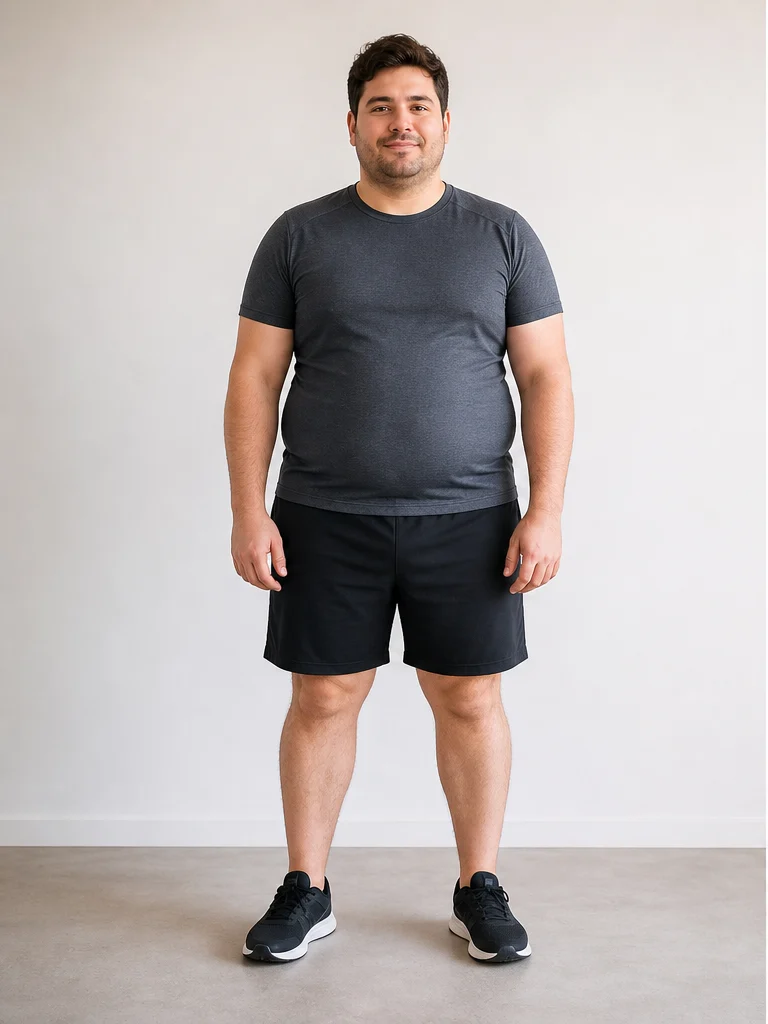
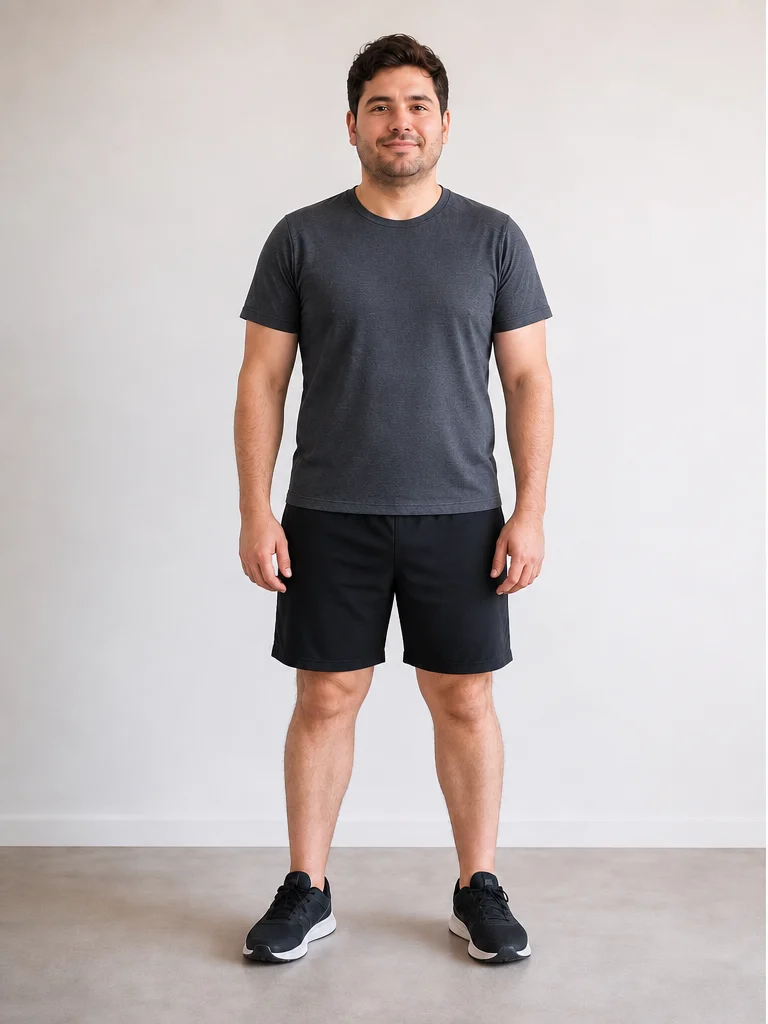
Tap a milestone to compare it with "Now"
What you get
- · Four milestone images, each edited from your original photo
- · One downloadable timeline with every step labelled
- · Same face, same body type — weight comes off where you carry it
Demo · Upload your photo to build your own journey
Why a progression, not a single before-and-after
What people losing weight actually ask for — and what a single "after" photo can't give them.
Beat the mirror lag
Your brain adapts to your body faster than the scale moves. A milestone image is an outside reference point that says: this is what 20 lbs down looks like on you.
Goals you can picture
"Lose 40 lbs" is abstract. "Get to the −10 photo by March" is a target you can see, and the next one is already waiting.
One image for the whole journey
Download the timeline as a single picture. Lock screen, fridge, progress-pic post — it's the thing people ask for and no scale can give you.
How the journey is built
- Your goal is split into four milestones. A 40 lb goal becomes −10, −20, −30 and −40 lbs; a 60 lb goal becomes −15, −30, −45 and −60.
- Each milestone is rendered from the same photo. Not the previous step — the original — so errors don't compound and every image is unmistakably you.
- Weight comes off where you carry it. Tell the simulator whether you hold weight in your belly, hips and thighs, evenly, or in your face and upper body. Older tools shrink everything by the same ratio — this one doesn't.
- Big goals stay realistic. For losses of 50 lbs or more the simulator keeps skin and age honest — mild laxity where a real body would show it, no fake abs.
- Everything is stitched into one timeline. Current photo plus all four milestones, labelled, as a single downloadable image.
Weight Loss Progression FAQ
How milestones are chosen, what the timeline includes, and what it costs.
What is a weight loss progression simulator?
Why see the steps instead of just the final result?
How are the milestones chosen?
Does each step really look like me?
How much does a journey cost?
Can I download the timeline?
Can I use it for weight gain too?
Just want a single result? Use the weight loss simulator. Want to see how far you've already come? Add the weight back with the AI weight gain filter. Body-type specific previews: body shape weight loss simulator. Questions about credits? View pricing.
See the whole road, not just the end
One photo, four milestones, one image to keep. A full journey is 4 credits — the $5 pack covers it with room to spare.